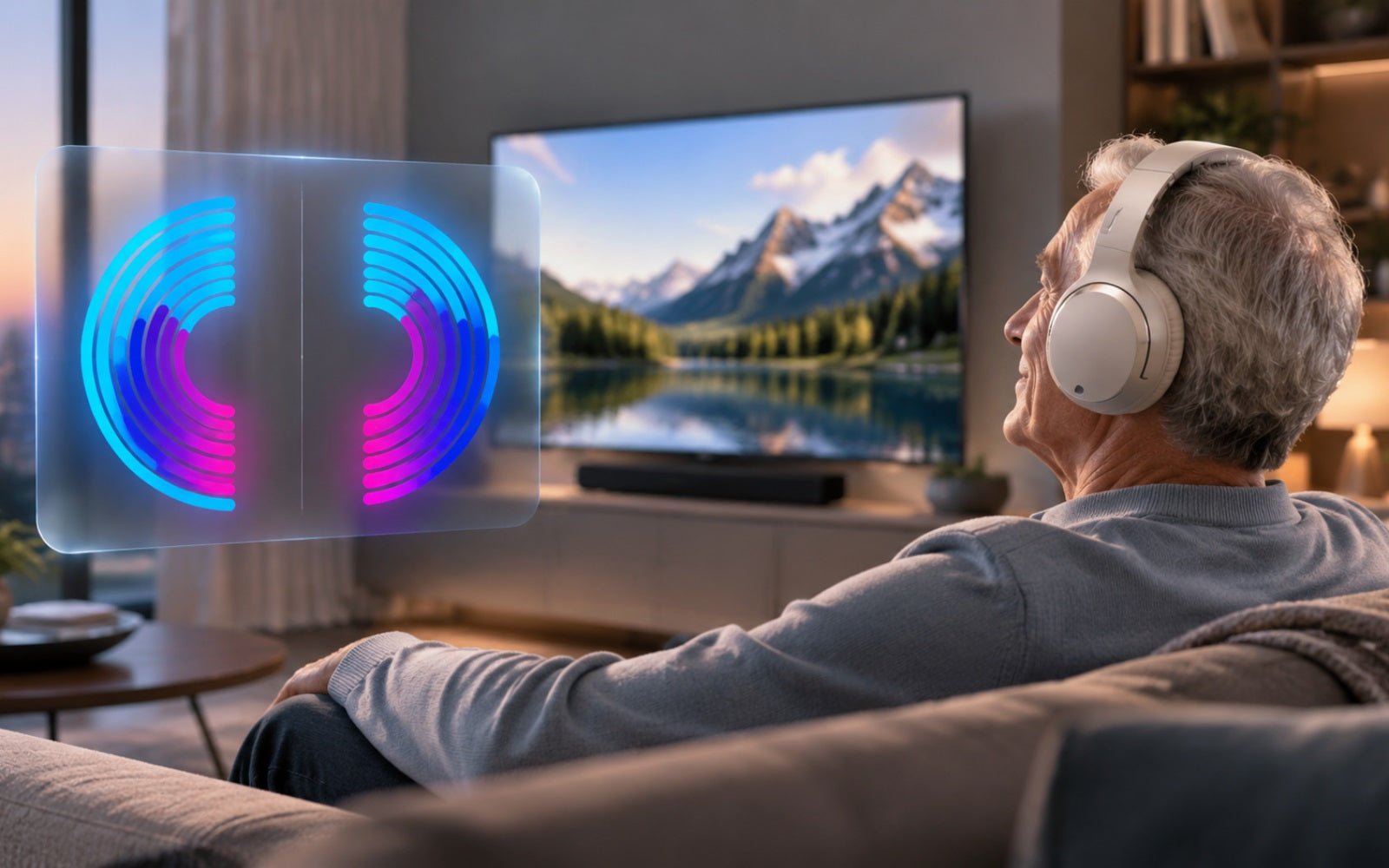
Watch TV with Personalized Sound
Create a personalized profile for each ear, so TV dialogue sounds clearer and more natural.


Simple solutions for the moments you want to hear more clearly, together or on your own.
Choose the TV setup that fits how you listen.
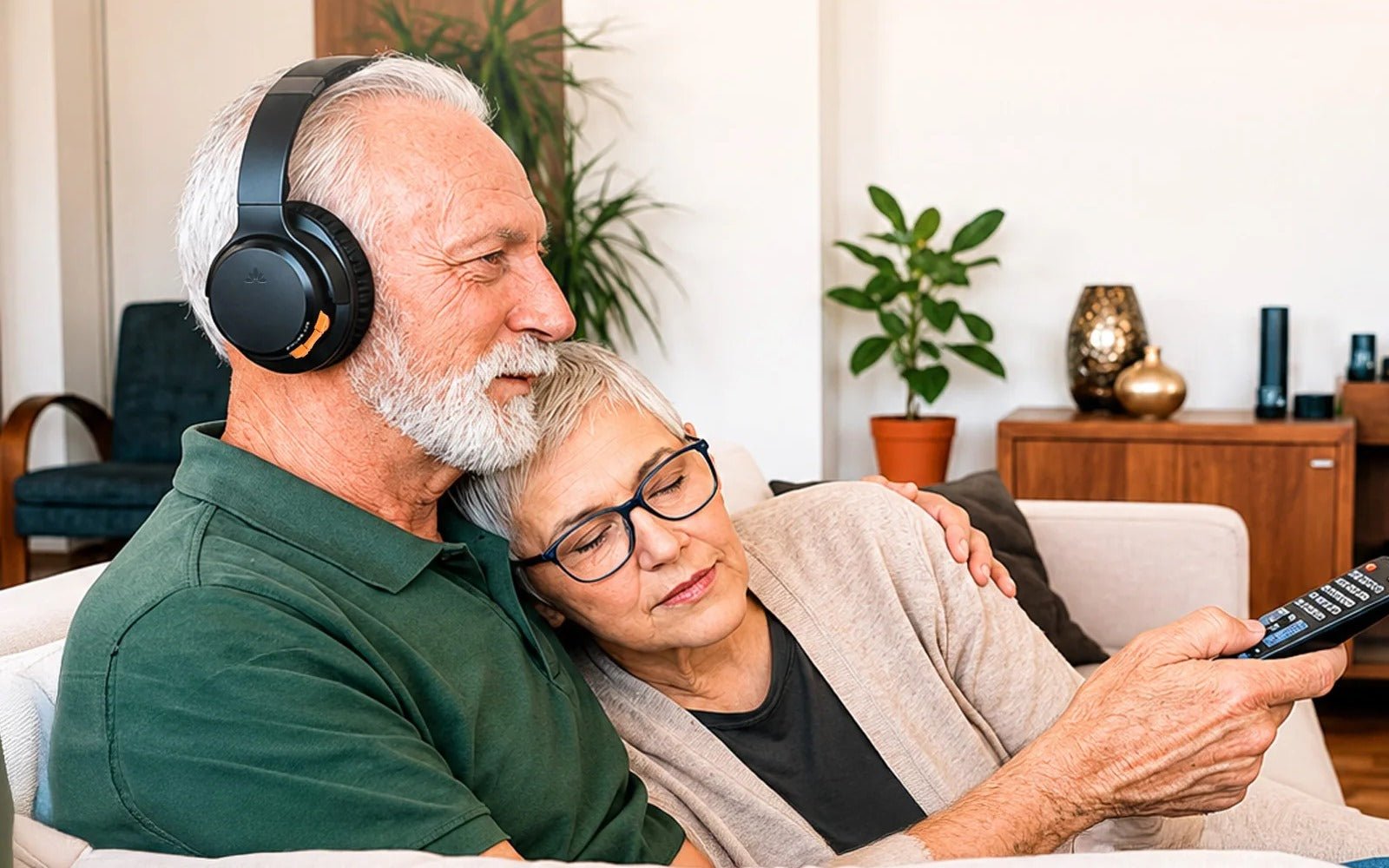
Hear TV dialogue clearly at a comfortable volume without raising the room sound.

Send TV audio to compatible hearing aids through the right transmitter setup.
Create a personalized profile for each ear, so TV dialogue sounds clearer and more natural.
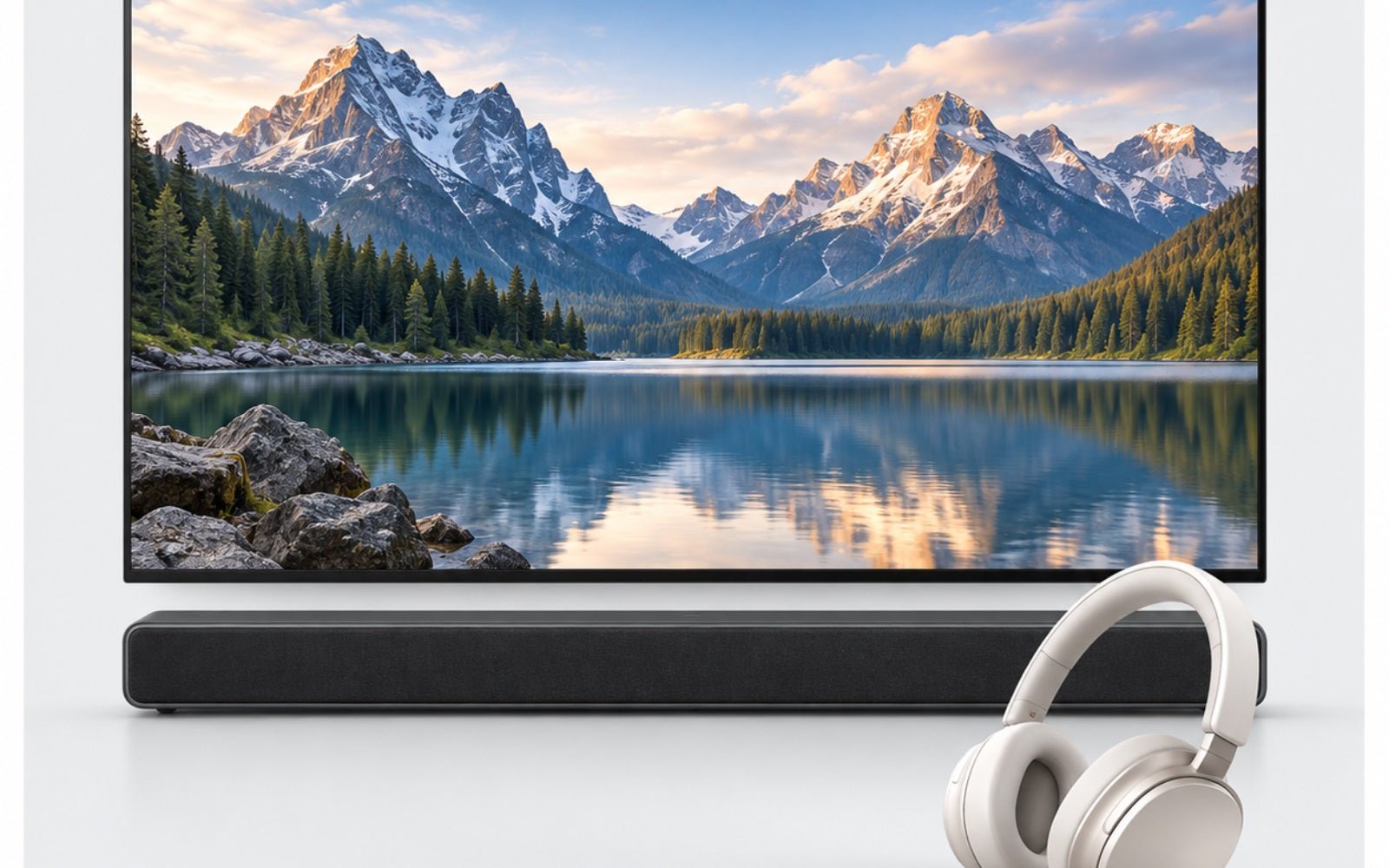
Use headphones while your HDMI soundbar keeps playing for others.

Hear TV clearly while staying aware of conversations and sounds around you.
Share one audio source with two or more listeners.
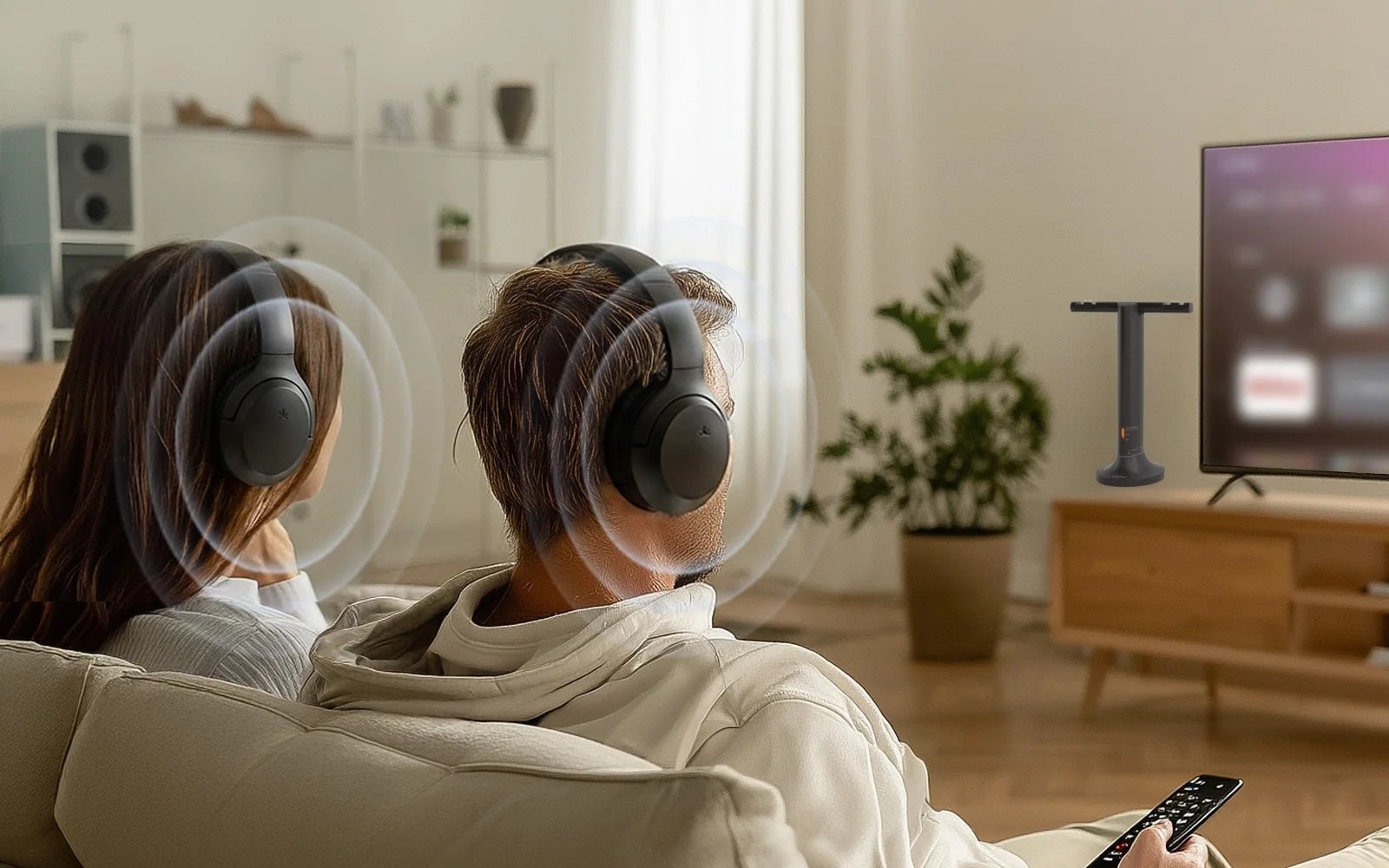
Let two or more people listen to the same TV at comfortable personal volumes.

Share music or movies from one phone, tablet, or computer with another listener.

Broadcast one audio source to multiple compatible listeners for shared experiences.
Play the same sound across rooms or speaker zones.
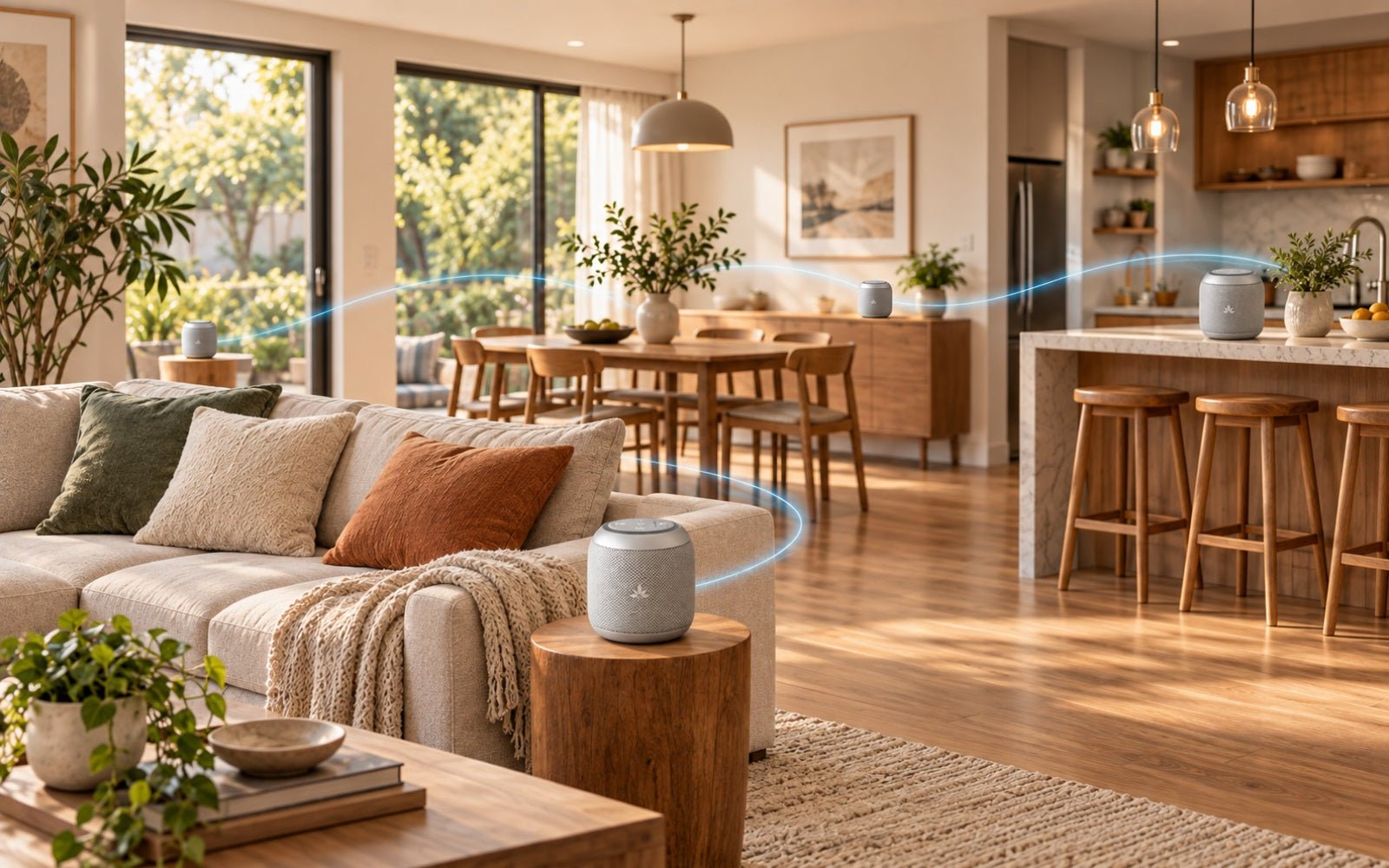
Choose an all-in-one speaker setup to play the same audio across more rooms.
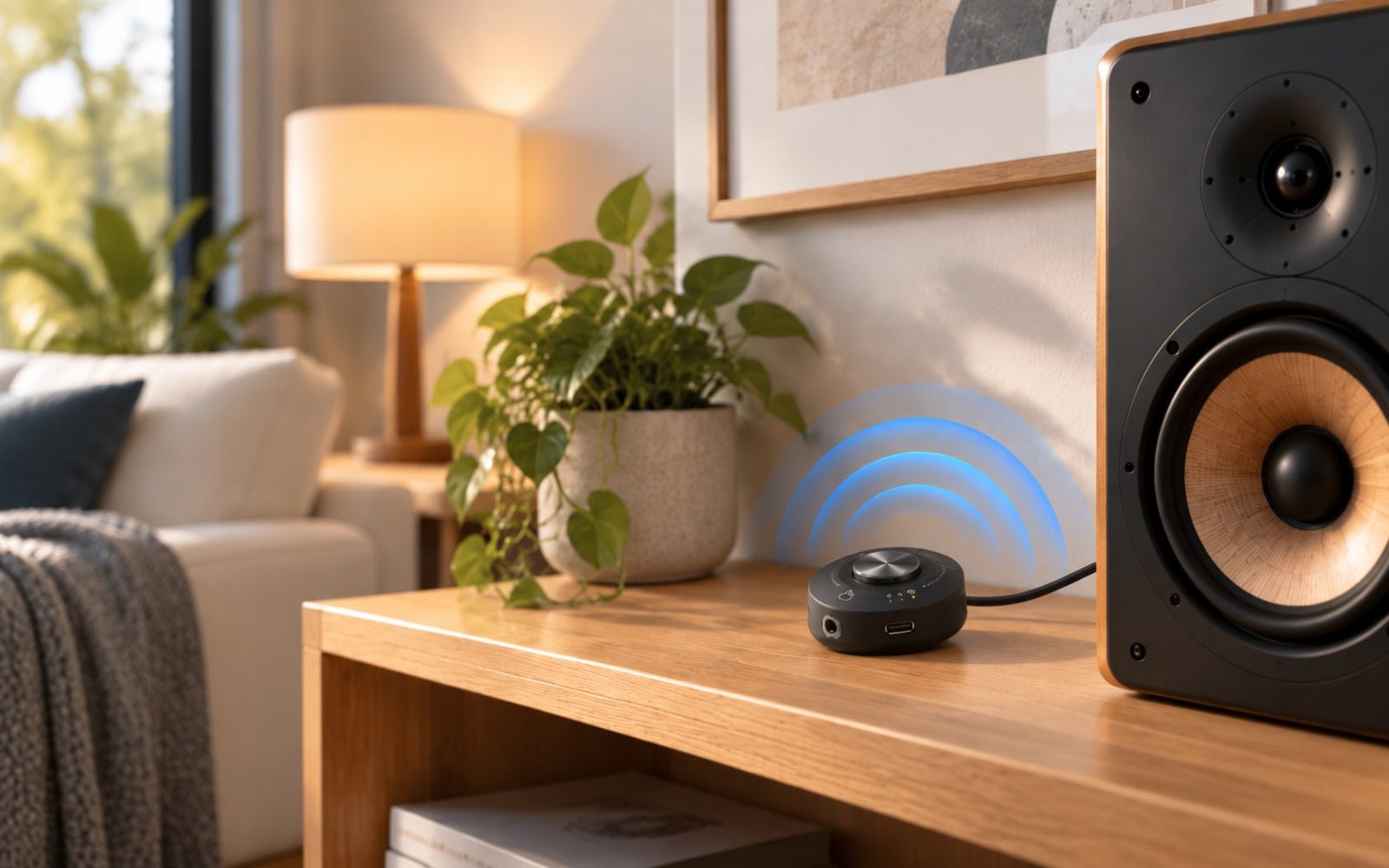
Connect your powered speakers to play the same audio across rooms or zones.
Find the right listening route for your hearing aid model.
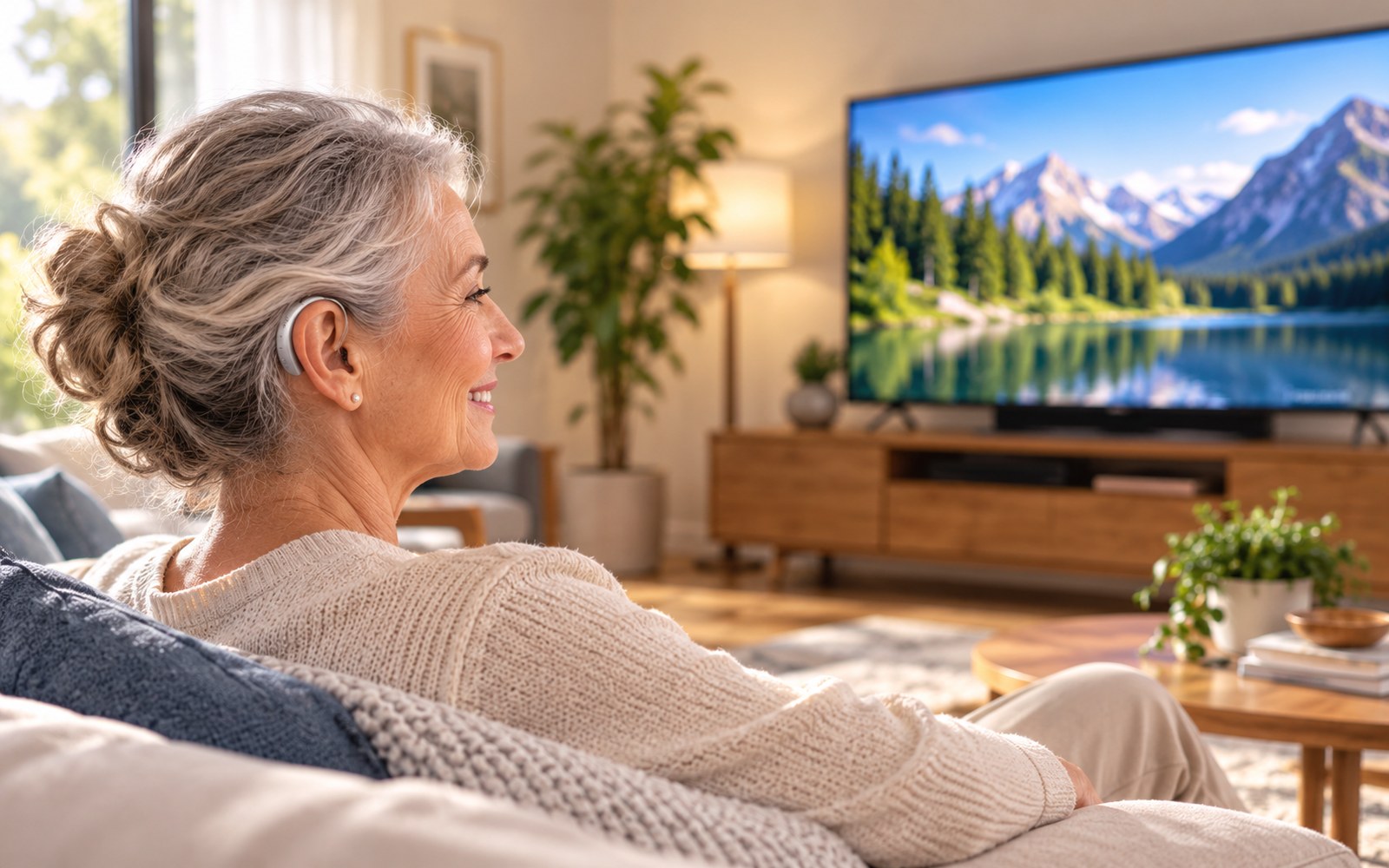
Listen directly when your hearing aids support Auracast broadcast audio.
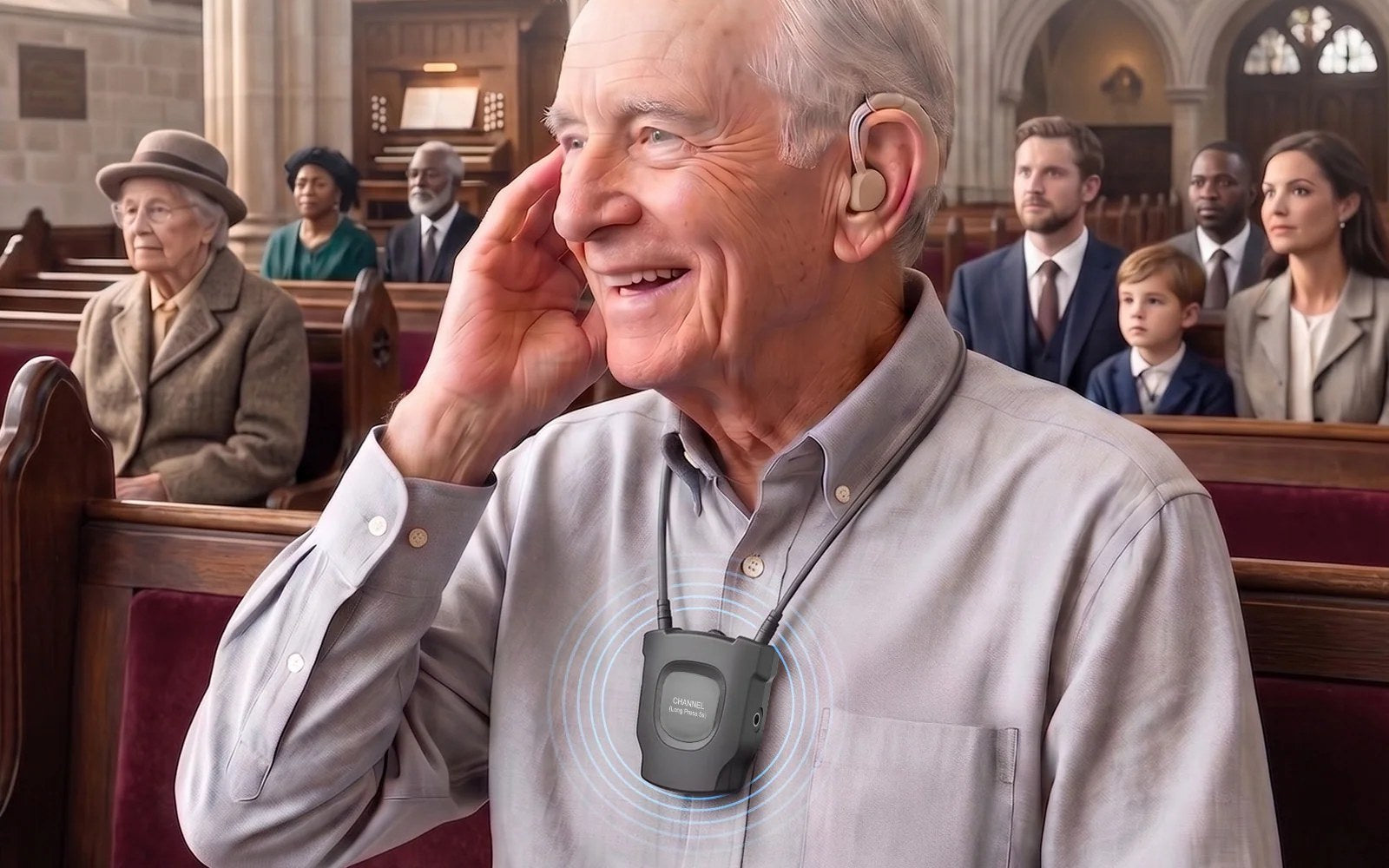
Connect compatible telecoil hearing aids to Auracast audio with the right receiver.
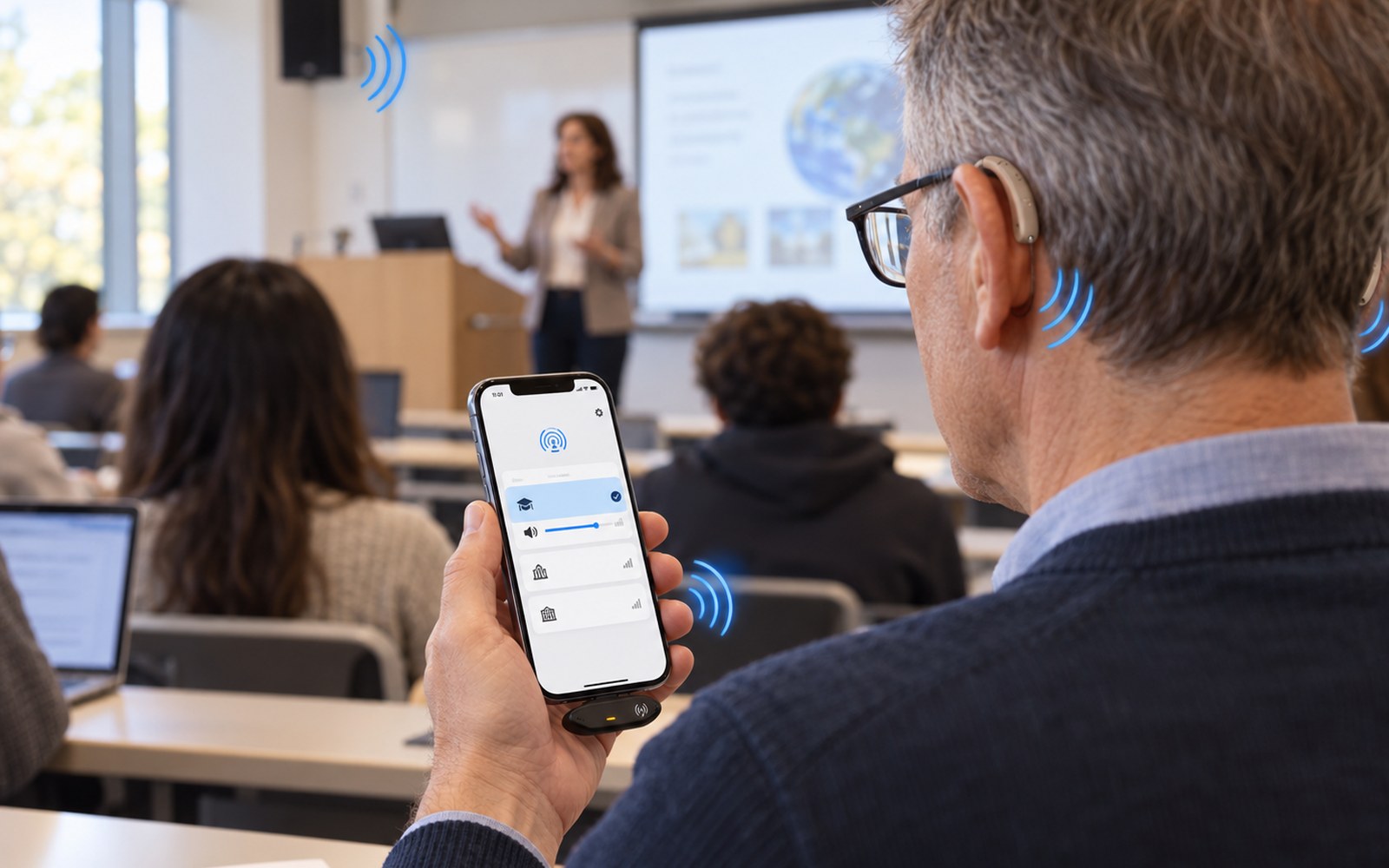
Use Aura C and a USB-C phone to hear Auracast through Bluetooth hearing aids.
Make voices easier to follow at home, in noise, or face to face.

Explore ways to make voices clearer using the hearing aids you already wear.
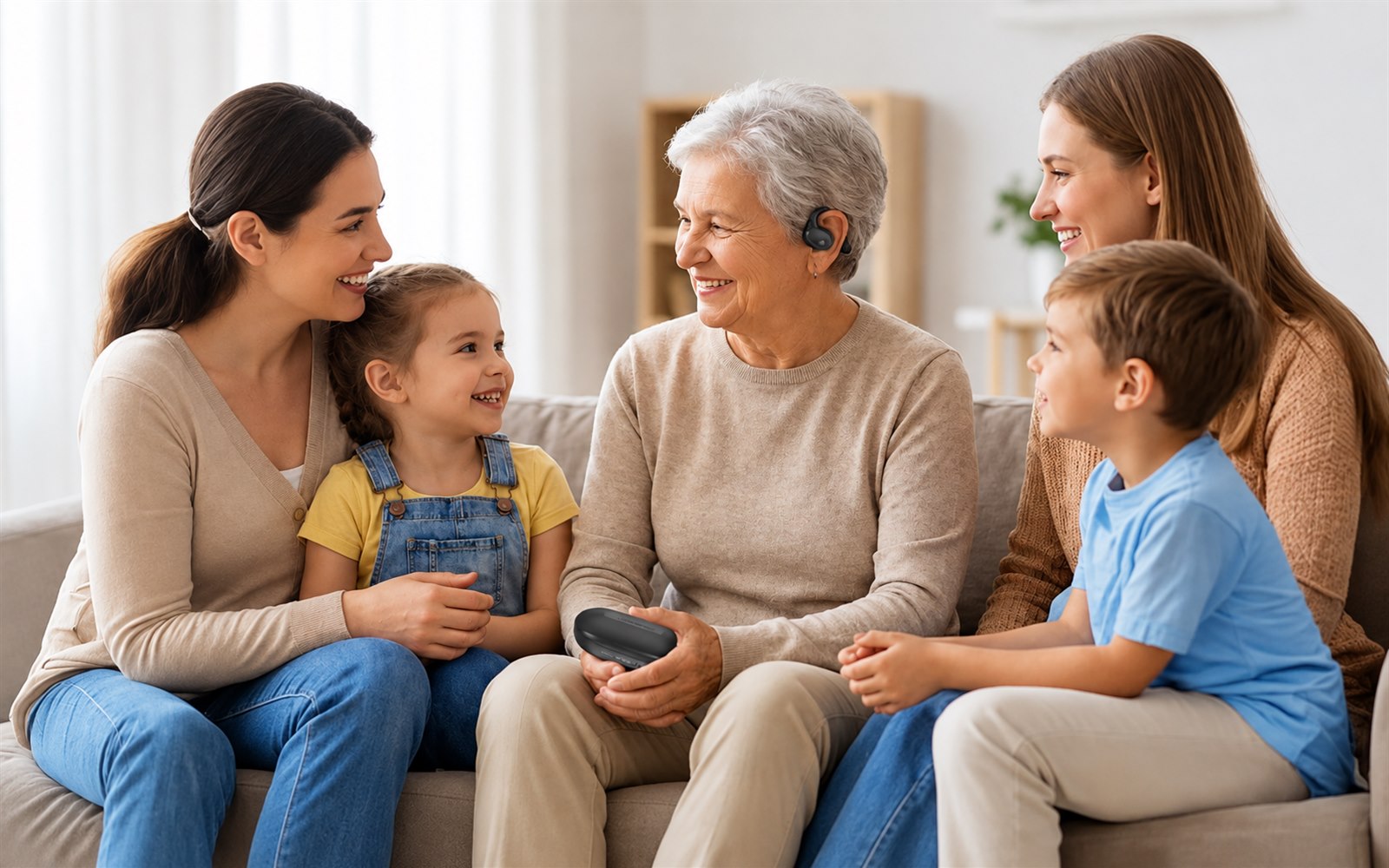
Choose a ready-to-use setup for clearer everyday conversations with family or guests.
Stay connected to sound when you travel, work out, or need visual support.
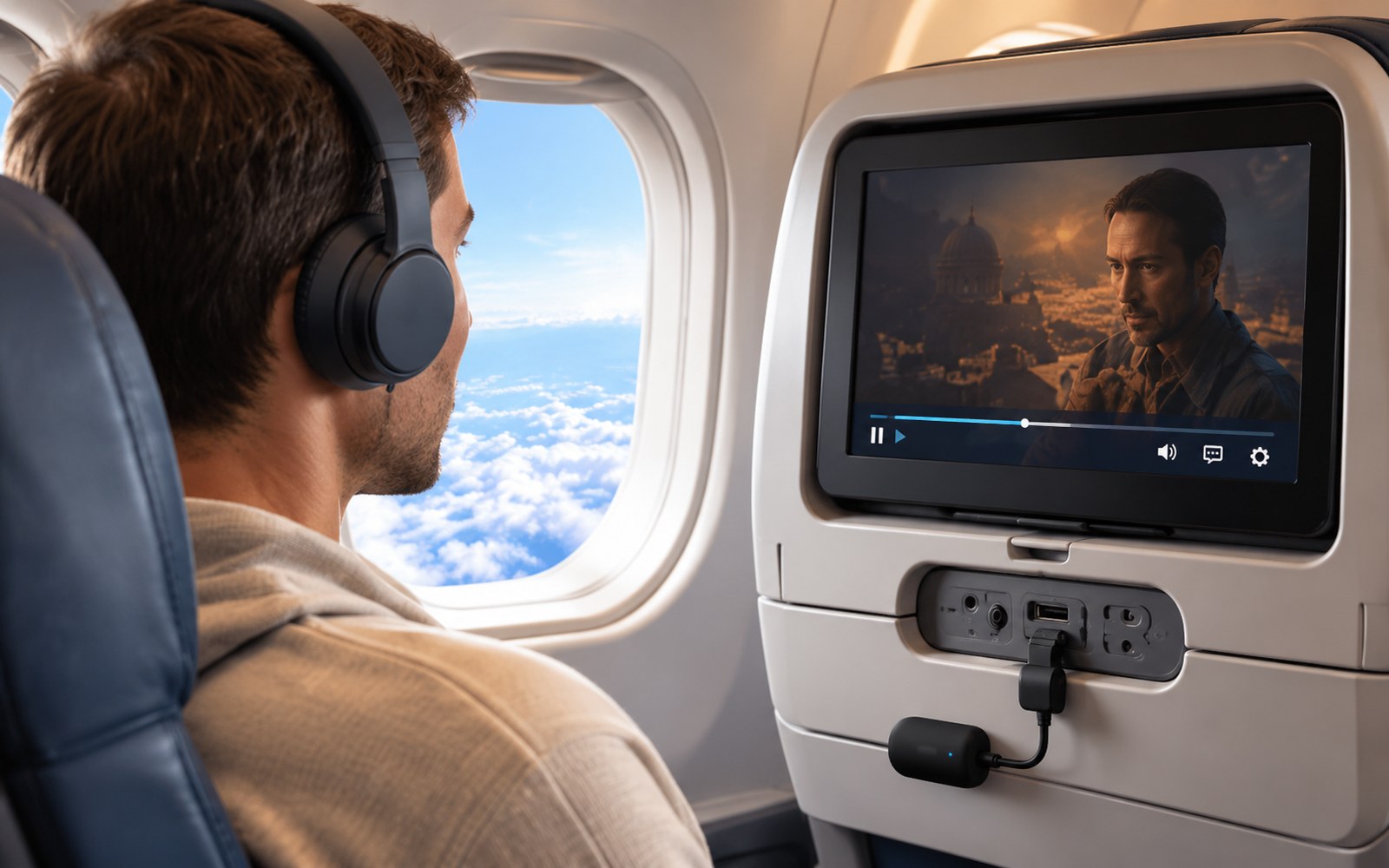
Use your own wireless headphones with in-flight entertainment systems.
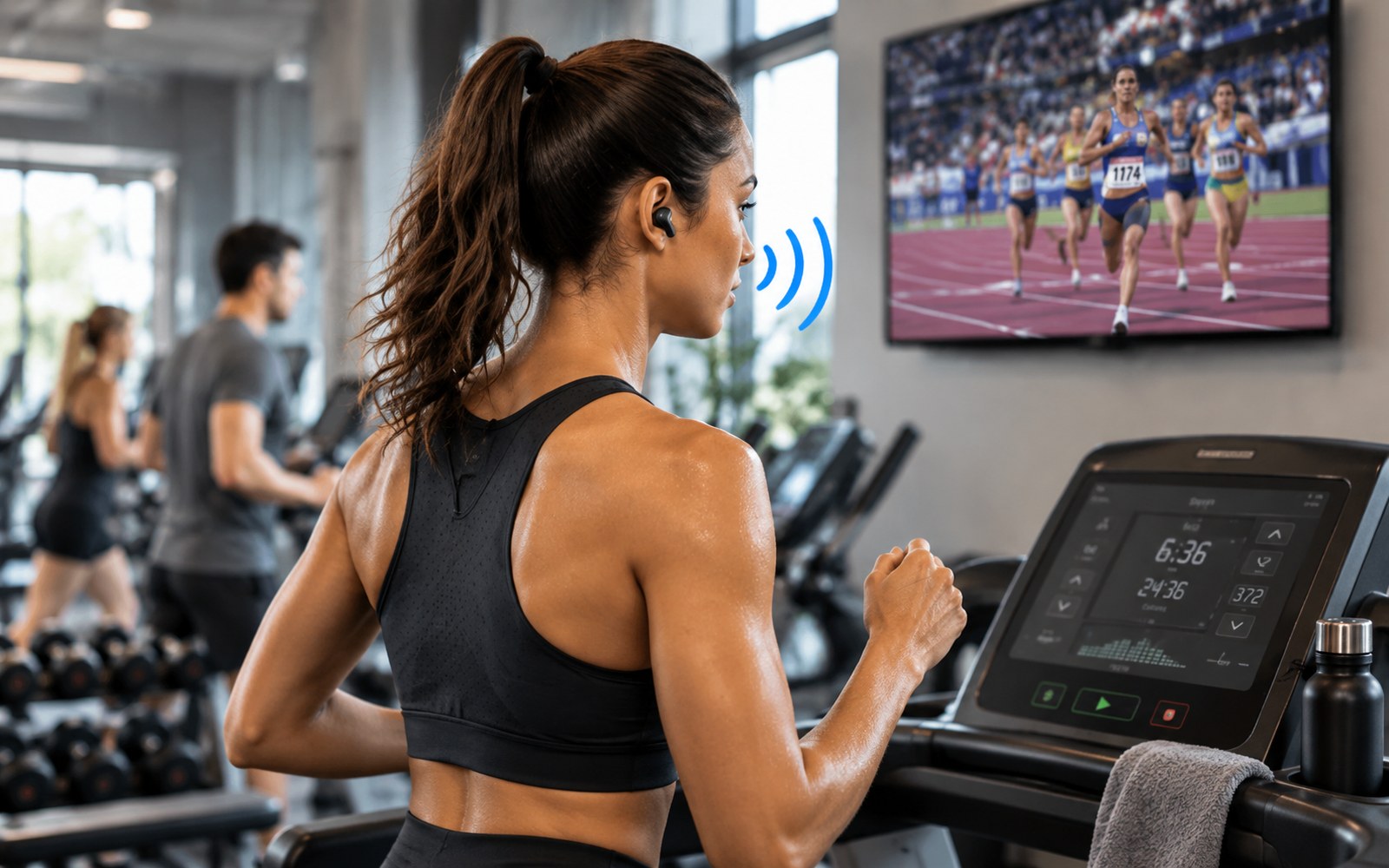
Listen to gym TVs or personal audio clearly while your earbuds stay secure.
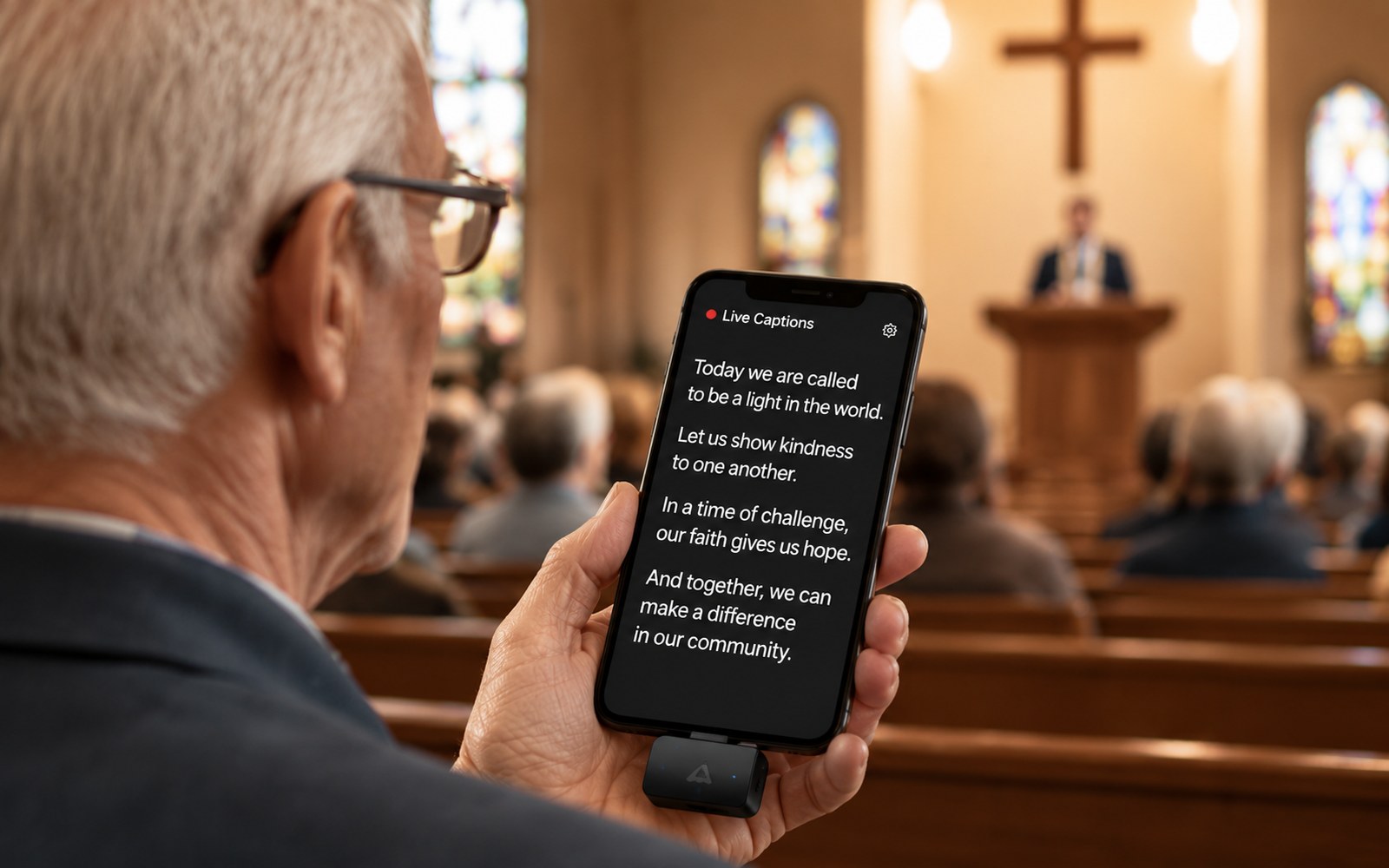
Read Auracast audio as live captions in churches, meetings, and classrooms.

 Assistive Listening
 Instant Venue Audio
 Guided Tour